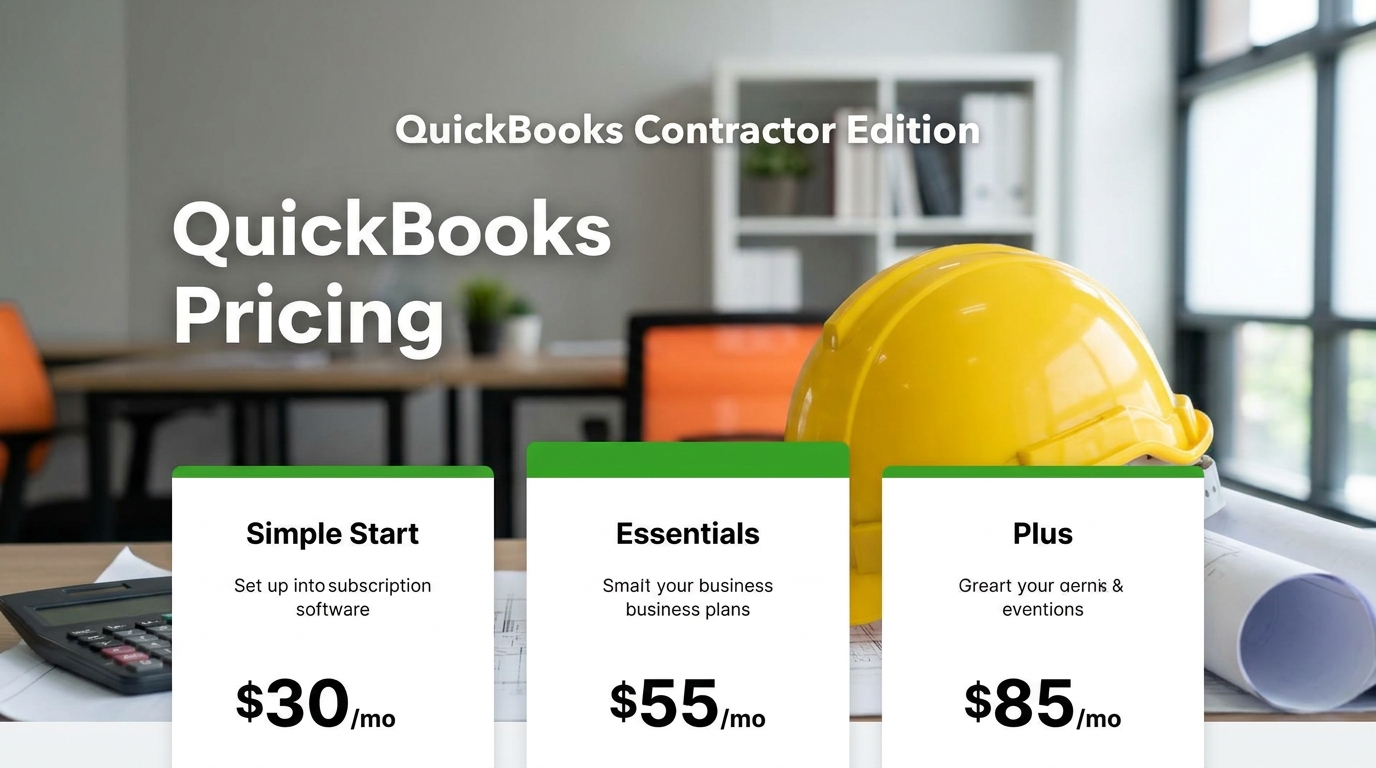
QuickBooks does not charge a separate fixed price for a “contractor version.” Contractors generally choose a QuickBooks plan based on the size of their business and the accounting, invoicing, expense tracking, payroll, project management, and reporting features they need.
Thank you for reading this post, don't forget to subscribe!Thank you for reading this post, don't forget to subscribe!For contractors and construction businesses, the actual cost can therefore vary considerably. A self-employed contractor may need only basic accounting and invoicing, while a growing construction company may need project profitability, job costing, payroll, multiple users, and more advanced reporting.
If you are specifically asking whether QuickBooks has a product designed for contractors, see our detailed guide: Does QuickBooks Have a Contractor Version?
How Much Does QuickBooks Cost for Contractors?
The answer depends on which QuickBooks product and subscription plan you choose.
For a contractor, the main QuickBooks costs to consider are:
- QuickBooks accounting subscription
- QuickBooks Payroll, if payroll is required
- Additional users, depending on the plan
- Payment processing fees, if accepting customer payments through QuickBooks
- Additional services or integrations
Because Intuit can change pricing, promotions, plan names, and included features, contractors should check the current QuickBooks pricing page before purchasing rather than relying on an old advertised price.
Does QuickBooks Have a Contractor Version?
QuickBooks does not have one separate QuickBooks “Contractor” edition that every contractor must purchase.
Instead, contractors can use QuickBooks products that provide accounting and business-management features applicable to construction and contracting businesses.
This distinction is important because many contractors search for a specific “QuickBooks contractor version” when what they actually need is software that can handle:
- Income and expenses
- Invoices
- Customer payments
- Vendor bills
- 1099 contractors
- Payroll
- Project profitability
- Job costing
- Estimates
- Time tracking
- Financial reporting
Some of these capabilities may be available directly within a QuickBooks plan, while others may require a higher-tier subscription, an add-on, or an integration.
QuickBooks Plans for Contractors
The best QuickBooks plan depends largely on how complicated the contractor's business is.
| Contractor Type | Typical Need | QuickBooks Consideration |
|---|---|---|
| Solo contractor | Income, expenses, invoices, basic bookkeeping | Entry-level accounting plan may be sufficient |
| Small contractor | Accounting, estimates, invoices, expenses, reporting | Consider a plan with broader business-accounting features |
| Growing contractor | Projects, job profitability, multiple users, reporting | Higher-tier QuickBooks plan may be appropriate |
| Construction company with employees | Accounting plus payroll and labor tracking | QuickBooks plus payroll or another payroll solution |
| Larger construction company | Advanced job costing, multiple projects, detailed controls | Compare QuickBooks with specialized construction accounting software |
What Does a Contractor Need From QuickBooks?
Not every contractor needs the same accounting system.
A self-employed electrician who works alone may primarily need invoicing and expense tracking. A general contractor managing several projects may need detailed job costing and profitability reporting.
Before choosing a plan, contractors should determine which of the following functions they actually need.
1. Income and Expense Tracking
At the most basic level, contractors need to know how much money is coming into the business and where the money is going.
QuickBooks can help organize income and expenses into categories that make financial reporting and tax preparation easier.
2. Invoicing
Contractors frequently invoice customers based on projects, milestones, services, materials, or progress payments.
A QuickBooks plan with appropriate invoicing capabilities can help contractors create and track customer invoices and monitor outstanding balances.
3. Estimates
Many contractors create estimates before starting a project. Estimates can help establish expected project revenue and costs before work begins.
Contractors should look at how their chosen QuickBooks plan handles estimates and whether those estimates can be converted into invoices or connected to project financial information.
4. Job Costing
Job costing is one of the most important considerations for construction contractors.
Instead of simply asking whether the company is profitable, contractors need to know whether individual jobs are profitable.
For example, a contractor might have $250,000 in revenue during a period but still lose money because labor, materials, equipment, subcontractors, and overhead were higher than expected on one or more projects.
Job costing helps contractors compare expected costs with actual costs and understand project profitability.
5. Payroll
If the contractor has employees, payroll becomes another important consideration.
Construction payroll can involve hourly employees, overtime, multiple job sites, different pay rates, time tracking, tax withholding, and project-level labor costs.
Contractors should therefore evaluate QuickBooks Payroll separately from the basic QuickBooks accounting subscription.
6. Contractor Payments
Construction businesses often work with subcontractors and independent contractors.
Depending on the business structure and payment arrangements, the company may need to track contractor payments and prepare the appropriate tax reporting.
Is QuickBooks Good for Contractors?
QuickBooks can be a good accounting solution for many contractors, especially small and growing businesses.
Its biggest advantage is that it can provide a familiar accounting environment for tracking income, expenses, invoices, payments, and financial reports.
However, contractors should not assume that general accounting software automatically provides every construction-management feature they need.
A construction company may also need:
- Detailed job costing
- Construction estimating
- Change-order management
- Project scheduling
- Subcontractor management
- Construction time tracking
- Certified payroll
- Prevailing-wage reporting
- Union payroll
- Equipment tracking
- Construction-specific financial reporting
Some of these functions may require QuickBooks integrations or specialized construction software.
QuickBooks for a Self-Employed Contractor
A contractor working alone generally has simpler accounting requirements than a construction company with employees and multiple crews.
A solo contractor may primarily need:
- Income tracking
- Expense tracking
- Invoicing
- Customer management
- Bank transaction management
- Basic financial reports
- Tax-related records
In this situation, paying for a highly advanced construction accounting system may not make financial sense.
The important question is not simply “How much does QuickBooks cost?” but rather “Which QuickBooks features do I actually need?”
QuickBooks for a Small Construction Company
A small construction company may have several employees, multiple projects, subcontractors, and significant material and labor expenses.
At this stage, contractors should pay much closer attention to project-level financial management.
The software should make it easier to answer questions such as:
- How much have we spent on this project?
- How much labor has been charged to the job?
- Are actual costs higher than estimated?
- How much have we billed the customer?
- How much remains to be collected?
- Is the project still profitable?
- Which cost categories are exceeding budget?
These questions are why job costing is often more important to contractors than simply having a basic bookkeeping system.
QuickBooks and Construction Job Costing
Construction accounting is different from ordinary small-business bookkeeping because revenue and expenses often need to be connected to specific jobs.
For example, a contractor may purchase $15,000 of materials for Project A, pay $8,000 in labor for Project A, and subcontract $12,000 of work to another company.
The contractor needs to understand those costs in relation to the revenue and estimated budget for Project A.
Without job-level tracking, the company's overall financial statements may look healthy while one project is losing money.
That is why contractors should carefully evaluate QuickBooks' project and job-costing capabilities against their actual construction workflow.
QuickBooks Payroll Cost for Contractors
QuickBooks accounting and QuickBooks Payroll are not necessarily the same expense.
If your construction company has employees, you may need a payroll service in addition to your accounting subscription.
Payroll costs can depend on factors such as:
- Number of employees
- Payroll plan
- Payroll frequency
- Tax filing requirements
- Additional payroll services
- Promotional pricing
Construction companies should also consider whether payroll data can be connected to project and job-cost information.
This is especially important when employees work across multiple construction projects.
QuickBooks vs. Construction Accounting Software
QuickBooks can be a strong accounting foundation, but specialized construction accounting software may provide deeper construction-specific functionality.
| Feature | QuickBooks | Specialized Construction Accounting Software |
|---|---|---|
| Bookkeeping | Strong | Strong |
| Invoicing | Strong | Strong |
| Expense tracking | Strong | Strong |
| Financial reporting | Strong | Strong |
| Construction job costing | Available depending on product/setup | Usually specialized |
| Construction estimating | May require additional tools | Often available |
| Construction scheduling | Limited | Often available |
| Certified payroll | Usually requires additional tools | Available in some platforms |
| RFIs/submittals | Not a core accounting function | Available in some construction platforms |
How Much Should a Contractor Spend on Accounting Software?
There is no universal amount that every contractor should spend on accounting software.
A useful approach is to compare the software cost with the value it provides.
If a system helps a contractor discover that a $500,000 project is losing money, prevent payroll errors, reduce administrative work, improve collections, or save several hours of bookkeeping every week, the subscription cost may be relatively small compared with the potential financial benefit.
However, a solo contractor with a handful of invoices each month may not need expensive construction-management software.
What Should Contractors Look for Before Buying QuickBooks?
Job Costing
Determine whether the specific QuickBooks product and configuration can provide the project-level cost information you need.
Payroll
If you have employees, determine whether QuickBooks Payroll provides the tax filing, employee management, time tracking, and payroll features your business requires.
Multiple Users
If an owner, bookkeeper, project manager, accountant, and payroll administrator need access, check the user limitations and permissions associated with your chosen plan.
Integrations
Construction companies often rely on several applications. Make sure QuickBooks can connect with your construction estimating, time tracking, payroll, project management, and other systems.
Construction Compliance
Government contractors should pay particular attention to certified payroll and prevailing-wage requirements. A general accounting platform may not automatically handle every construction compliance report.
Frequently Asked Questions
How much does a QuickBooks contractor cost?
There is no separate fixed “QuickBooks contractor” price. Contractors generally choose a QuickBooks accounting plan and may add services such as payroll or payment processing. The total cost depends on the products, plan, users, and services required.
Does QuickBooks have a contractor version?
QuickBooks does not have one universal standalone “contractor version.” Contractors can use QuickBooks accounting products and, depending on their needs, add payroll and other services. See our guide to whether QuickBooks has a contractor version.
Is QuickBooks good for independent contractors?
Yes. QuickBooks can be suitable for independent contractors who need to track income, expenses, invoices, payments, and financial records. The appropriate product depends on how complex the contractor's business is.
Is QuickBooks good for construction companies?
QuickBooks can be a good accounting solution for small and growing construction businesses. However, contractors with complex job costing, scheduling, field management, certified payroll, or other specialized requirements may need additional construction software or integrations.
Does QuickBooks do construction job costing?
QuickBooks can support project and job-related financial tracking depending on the specific product and setup. Contractors should compare the available functionality with their required level of construction job costing before choosing a plan.
Does QuickBooks include payroll?
QuickBooks accounting and payroll are separate product considerations. Contractors who need employee payroll should evaluate the available QuickBooks Payroll options and their additional costs.
Can QuickBooks track subcontractors?
QuickBooks can be used to track payments and financial information related to contractors and vendors. Businesses should also consider their tax-reporting requirements and whether additional contractor-management functionality is necessary.
Final Verdict
There is no single QuickBooks contractor price because QuickBooks does not have one separate contractor edition.
A solo contractor may need only basic accounting and invoicing, while a growing construction company may need project tracking, job costing, payroll, multiple users, and additional integrations.
The most important factors to evaluate are:
- Accounting: Income, expenses, bills, and financial reports
- Invoicing: Customer billing and payment tracking
- Job costing: Project-level revenue and expenses
- Payroll: Employee wages, taxes, and labor costs
- Contractors: Tracking payments to subcontractors and independent contractors
- Integrations: Connections with construction and business software
- Compliance: Certified payroll and prevailing-wage requirements where applicable
Before choosing a plan, contractors should compare the current QuickBooks pricing and feature matrix against their actual business requirements rather than choosing a plan simply because it is marketed as the most popular option.
For more information about the contractor-specific question, read Does QuickBooks Have a Contractor Version?.
Research & Sources
- Intuit QuickBooks – Official QuickBooks product, pricing, accounting, and payroll information.
- QuickBooks – Official product documentation covering accounting, projects, invoicing, expenses, and payroll.
- Construction Payroll Software – Does QuickBooks Have a Contractor Version?