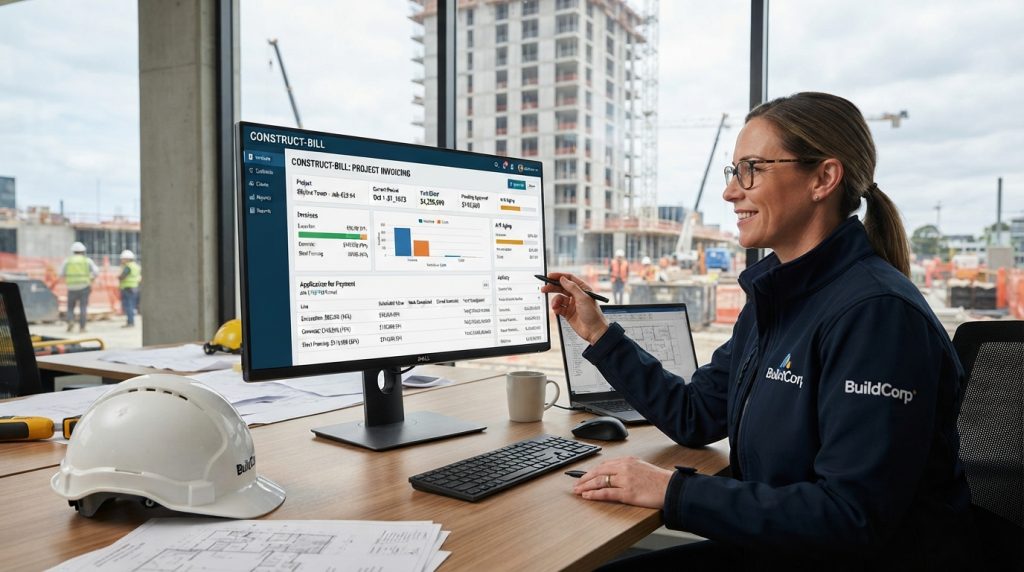
Construction billing requires more than sending a standard invoice. Managing schedule of values, AIA G702/G703 forms, retainage, and change orders demands specialized tools. We reviewed the top platforms that automate progress billing from the field to the back office.
Thank you for reading this post, don't forget to subscribe!GCPay
Custom quote — based on project volume/value
Pros
- Completely eliminates math errors on subcontractor schedules of values
- Automates lien waiver generation and electronic signature tracking
- Prevents subs from billing for unapproved change orders
Cons
- GC-centric; subs just use it to submit to the GC, not to manage their own top-level billing
- Pricing model can be expensive for mid-size firms with lower volumes
Recommendation: The absolute best choice for commercial GCs who want to eliminate the headache of chasing down sub pay apps and lien waivers at month-end.
Knowify
From $149/month (varies by user count and tier)
Pros
- Easiest platform for turning an estimate into an AIA G702/G703 format
- Exceptional integration with QuickBooks Online
- Manages complex change orders and incorporates them into progress bills seamlessly
Cons
- Lacks some enterprise-grade routing features needed by massive GCs
- QuickBooks Desktop integration is not as robust as the QBO connection
Recommendation: Our top recommendation for subs and trades who use QuickBooks Online but need to generate professional, accurate progress bills for their GCs.
Procore (Project Financials)
Custom quote — percentage of construction volume
Pros
- Unifies project management, field communications, and financials in one massive platform
- Handles extremely complex, multi-tiered approval routing for large projects
- Procore Pay functionality streamlines the actual movement of funds
Cons
- Very expensive implementation and annual cost
- Can be overkill and too complex for simple, quick-turn projects
Recommendation: The gold standard if you have the budget and need a unified system where billing is directly tied to RFIs, field daily logs, and massive project budgets.
Buildertrend
From ~$399 to $999+/month
Pros
- Phenomenal client-facing portal that makes homeowners comfortable approving bills
- Seamlessly handles cost-plus, flat-rate, and milestone billing structures
- Excellent handling of homeowner selections, allowances, and related change orders
Cons
- Schedule of Values formatting isn't as rigidly AIA-compliant as commercial tools
- Monthly subscription cost can add up as you add modules and users
Recommendation: If your clients are homeowners rather than commercial developers, Buildertrend’s presentation, client portal, and integrated payments make it the best billing tool on the market.
AIA Contract Documents (Software)
Per document ($40+) or Unlimited Annual (~$1,100+/yr)
Pros
- 100% legally compliant, official documents that banks and architects will never reject
- Ensures you are using the most legally up-to-date phrasing and structure
- Good cloud-based editor prevents the formatting nightmares of old PDF versions
Cons
- It is purely a document generator, not a financial system—no sync to accounting
- Requires manual data entry for previous application numbers, retainage, etc.
Recommendation: Best used as a supplementary tool if your architect or lender strictly requires a watermarked, authentic AIA document and won't accept a standard software-generated equivalent.