Construction payroll software is payroll technology built specifically to calculate and process pay for construction workers, contractors, and subcontractors while handling requirements that standard payroll systems don't: certified payroll reporting, prevailing wage rates, union fringe benefits, multi-state compliance, and job costing. Unlike general payroll software, it connects labor cost directly to individual projects and job sites rather than treating every paycheck the same way.
Thank you for reading this post, don't forget to subscribe!Thank you for reading this post, don't forget to subscribe!This guide breaks down exactly how construction payroll works, what separates it from standard payroll, the step-by-step process a typical pay run follows, and answers to the most common questions contractors ask before choosing a system. If you're comparing specific products, see our construction payroll software comparison and feature breakdown.
Construction Payroll vs. Standard Payroll: The Key Differences
What is the main difference between the two? Standard payroll operates on the premise that there is one employee with one pay rate in one site. Construction payroll operates on the premise that an employee can be working in three different sites within a week, using three different rates for three different budget projects.
| Factor | Standard Payroll | Construction Payroll |
|---|---|---|
| Wage structure | Single, fixed hourly or salary rate | Variable rate by project, trade classification, and jurisdiction (prevailing wage) |
| Government reporting | Standard tax filings only | Certified payroll reports (Form WH-347) for public works projects |
| Union handling | Rarely applicable | Fringe benefit tracking, union dues, multiple bargaining agreements |
| Location | One fixed worksite | Multiple, often multi-state, job sites with different tax jurisdictions |
| Cost allocation | Labor cost booked to a department | Labor cost allocated to a specific job for job costing |
| Workforce type | Mostly W-2 employees | Mix of W-2 crews and 1099 subcontractors |
For this reason, contractors that bid on projects funded by the government usually certified payroll software specifically, not just any payroll software that comes with a construction logo.
How Construction Payroll Processing Works: Step by Step
A typical construction payroll cycle follows six steps, regardless of which software handles it:
- Time capture at the job site. Field workers clock in and out using mobile apps, tablets, or biometric devices, tagged to a specific project and cost code.
- Wage determination. The system applies the correct pay rate based on the worker's trade, the project's location, and whether the job is subject to prevailing wage or union agreements.
- Overtime and shift calculation. Hours are checked against federal, state, and local overtime rules, which can vary by jurisdiction and by union contract.
- Deductions and fringe benefits. Taxes, union dues, and fringe benefit contributions are calculated and, where required, tracked separately by project.
- Job costing allocation. Total labor cost is posted against the specific job or cost code so project managers can track budget burn in real time.
- Compliance reporting. For publicly funded work, a certified payroll report is generated and submitted, typically weekly, to demonstrate compliance with prevailing wage law.
Contractors managing multiple active sites often pair this process with a project feasibility and readiness checklist during the planning stage, since labor budgeting and payroll setup both depend on knowing site conditions and workforce needs before a project starts.
Core Features to Expect in Construction Payroll Software
- Certified payroll reporting — generates the reports required for Davis-Bacon and certified payroll compliance on government-funded jobs.
- Prevailing wage calculation — automatically applies the correct wage determination by location and trade; see our breakdown of prevailing wage and Davis-Bacon Act compliance.
- Job costing integration — ties labor cost to specific projects; often paired with dedicated job costing software for construction or an accounting platform with built-in job costing.
- Mobile and field time tracking — GPS-validated clock-ins from the job site; see our guide to construction time tracking software.
- Subcontractor and 1099 management — payment tracking and year-end tax form generation for non-employee labor.
- Union payroll support — fringe benefit buckets, dues deductions, and multiple pay scales by trade classification.
Construction-Specific Considerations
A few factors are unique to construction and should shape which type of payroll system a company chooses:
- Multi-site, multi-jurisdiction work. A crew working across state lines in the same week creates tax withholding and wage-rate complexity that general payroll software isn't built to resolve automatically.
- Government contract exposure. Any contractor bidding on public works should confirm certified payroll and Form WH-347 reporting are supported before committing to a platform.
- Site safety and compliance overlap. Payroll compliance often runs alongside broader jobsite compliance requirements; a site compliance and safety assessment is a useful companion check when a project has both wage and safety reporting obligations.
- Budget accuracy at the estimating stage. Because labor is usually the largest line item in a project budget, tools like an instant cost estimator used during bidding should align with how labor costs will actually be tracked once payroll starts.
- Company size and complexity. Smaller firms often start with payroll software built for small and mid-size contractors, while enterprise builders like larger construction firms typically need ERP-integrated systems.
Types of Construction Payroll Models
The four processing approaches used by contractors include the following: payroll processing carried out in-house, where it is handled by the organization’s internal workforce; outsourcing payroll processing, where it is completely handled by an external agency; managed payroll processing, which involves time and tax processing; and self-service payroll processing, which involves software-as-a-service (SaaS). More details can be found in our construction payroll software guide for how specific platforms map to each model.
Real Platforms Commonly Compared
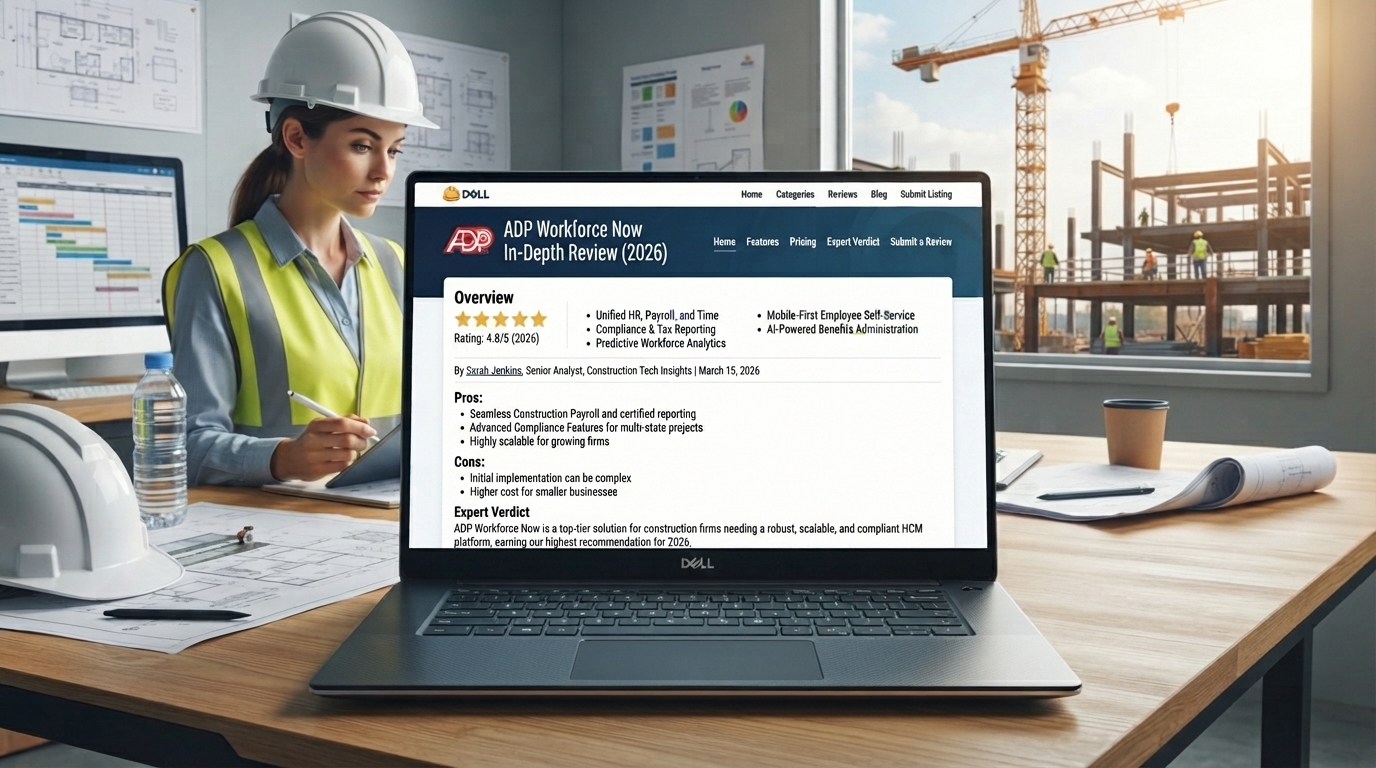
Contractors evaluating options typically compare enterprise and mid-market platforms such as ADP Workforce Now, Paychex Flex, Sage 100 Contractor, Foundation Software, CMiC Enterprise, Viewpoint Vista, and Payroll4Construction, alongside smaller-business options like Gusto. See our full construction payroll software directory for the complete list.
Frequently Asked Questions
What is construction payroll software?
Construction payroll software is payroll software used to compute and pay employees in construction while complying with certified payroll, prevailing wage, union fringe benefit calculation, multi-state taxes, and job costing requirements.
How is construction payroll different from regular payroll?
Normal payroll software only processes a certain number of employees at a fixed wage rate within the same job site location. Construction payroll software computes a varying workforce at different locations and with varying wage rates and union fringe benefits.
What is certified payroll and why does construction need it?
Certified payroll is a form submitted weekly by contractors working on public work projects, using the Davis-Bacon Act to pay prevailing wages. Certified payroll reports include Form WH-347.
Does construction payroll software handle union payroll?
Yes. Construction-focused software can generally accommodate union fringe benefit calculation, union dues deduction, and different pay rates according to trades..
Can I use QuickBooks or Gusto for construction payroll?
Both are capable of handling construction payroll, but both lack native certified payroll reports as well as prevailing wage calculations. Construction firms that are often engaged in government-funded construction projects require a specific module for certified payroll reports.
What are the main types of construction payroll processing?
The four kinds of construction payroll processing are in-house payroll, fully outsourced payroll, fully managed payroll, and self-service SaaS payroll depending on business size and degree of compliance needed.